![Logo-2.svg]](https://support.pointapp.org/hubfs/Logo-2.svg)
If you already have a POINT account
You do not need to accept anything. The organization owner assigned your role, and it works right away.
You will receive an email letting you know your role was updated, for example: "[Name] from [Organization] has updated your role on POINT. You're now a Billing Coordinator." The email lists what you will have access to in your new role. Click Go to Dashboard to jump right in.
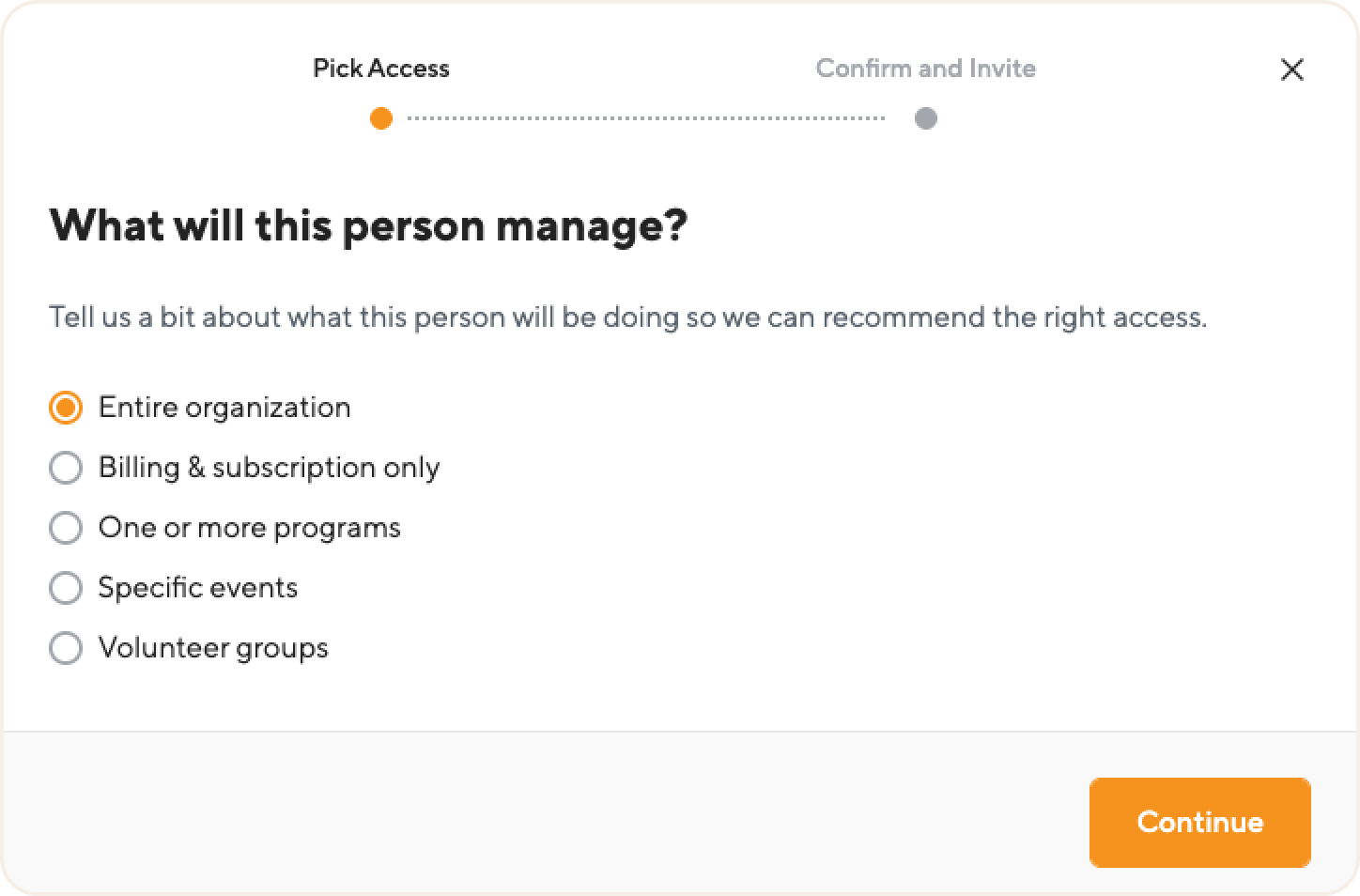
The organization also appears on your My Organizations page with your role shown at the top of the card. Select the organization to start working with it.
If you are new to POINT
You will receive an invitation email with the name of the person who invited you, the organization name, your role, and a list of what you will have access to in that role.
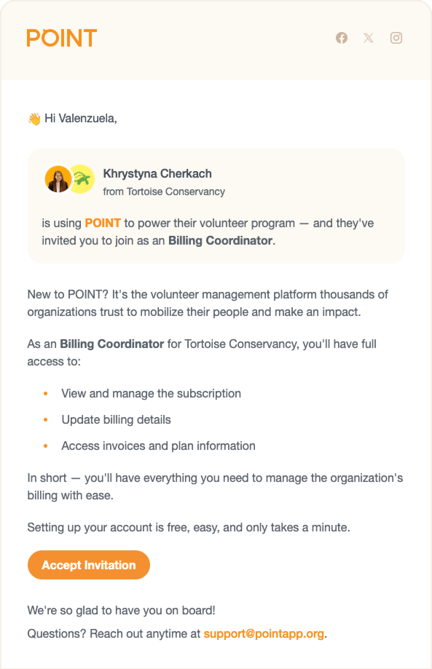
- Click Accept Invitation in the email.
- Set up your free POINT account. It only takes a minute.
- On the My Organizations page, find the card of the organization that invited you. It shows a message like "[Admin Name] has sent you a request to join the organization as an events coordinator," with Accept and Decline buttons.
- Click Accept to join the organization, or Decline if you do not want to join.
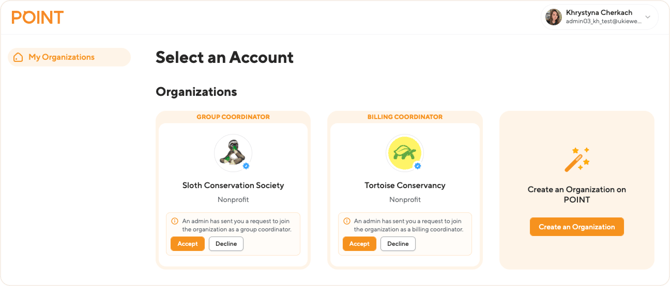
After you accept, the organization stays on your My Organizations page with your role shown at the top of the card.
Your role is shown on the organization card
The My Organizations page lists every organization you are part of, with your role displayed at the top of each card: Owner, Admin, Billing Coordinator, Program Coordinator, Event Coordinator, or Group Coordinator. If you work with several organizations, you can have a different role in each one, and you can switch between organizations from this page at any time.
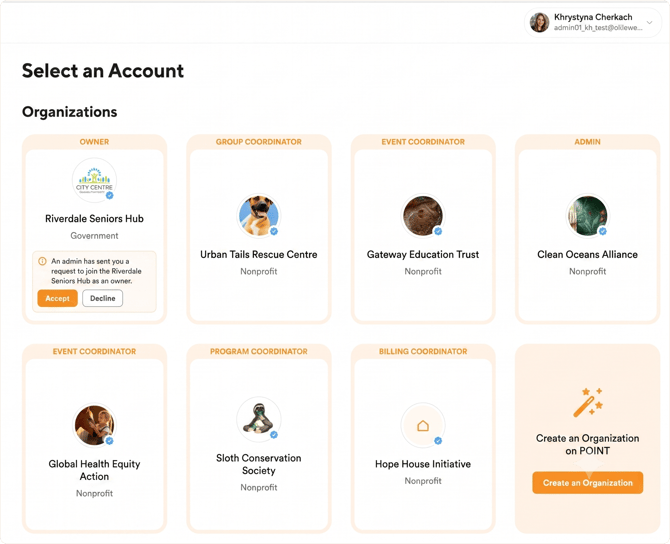
What you can do depends on your role
Your role determines which parts of POINT you can access. For example, an Event Coordinator manages events and event participants, while a Billing Coordinator manages billing and subscription details. To see what your role includes, check: Team roles in POINT: overview.
If you think you need different access, contact the Owner of your organization. Only the Owner can change roles.